
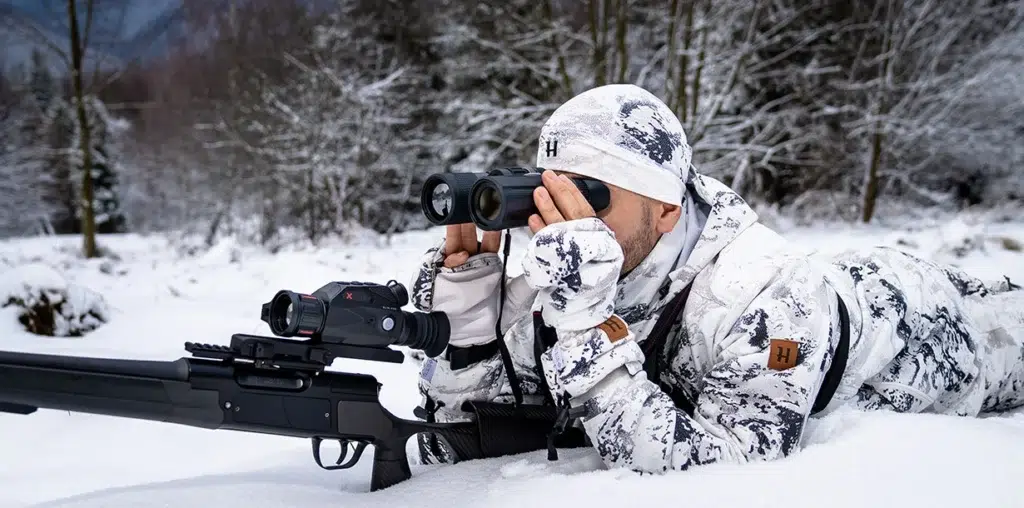
Night vision devices and thermal imagers, such as the popular Nocpix and PARD models widely used in Europe, are indispensable tools for hunting and wildlife observation in low-light conditions. However, low temperatures, moisture, and condensation can seriously affect the performance of any electronic device, shorten its lifespan, or even cause permanent damage.
As experts in optical equipment with hands-on experience across various models, we share practical advice on how to properly use and maintain thermal imaging and night vision devices in cold weather. This article is intended for hunters, nature observers, and anyone who uses optical equipment outdoors during winter.
Proper maintenance not only ensures reliable performance but also protects your investment. We will cover key aspects such as battery performance in low temperatures, transitioning from cold to warm environments, care in cold climates, and lens cleaning. These recommendations are based on manufacturers’ guidelines and real user experience.
If you are a hunter, you know that a dead thermal imager or riflescope battery can ruin an entire hunt. That’s why prevention matters. Let’s start with one of the most critical components — batteries.
1. Battery Performance in Low Temperatures
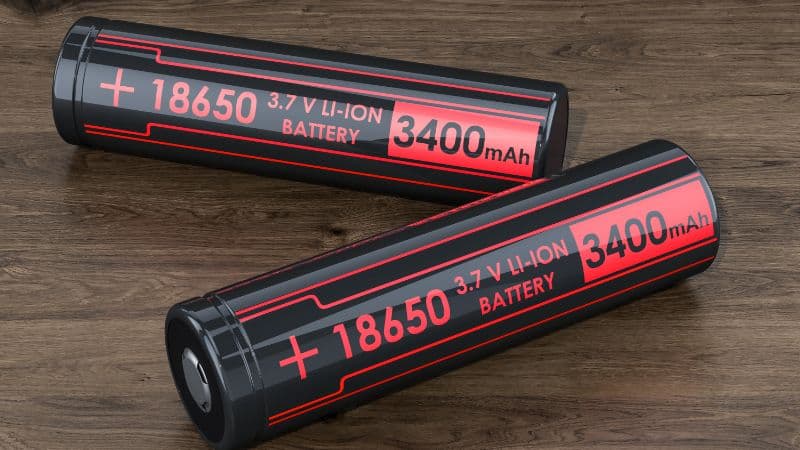
Cold weather is one of the biggest challenges for electronic devices, especially their power sources. At low temperatures (below 0°C), chemical reactions inside batteries slow down, leading to faster energy depletion and voltage drop. For example, lithium-ion batteries commonly used in thermal imagers can lose up to 50% of their capacity at -10°C or lower. This means a device that runs for several hours in warm conditions may shut down much sooner in the cold — potentially at a critical moment.
Why does this happen? The scientific explanation is straightforward: cold temperatures increase electrolyte viscosity and slow ion movement, reducing the battery’s ability to deliver power efficiently. Additionally, thermal imagers and night vision devices with sensors often require more energy in cold conditions, as internal components and displays work harder to compensate for temperature effects. Winter hunters frequently report that their device “freezes” — not just physically, but functionally — shutting down mid-observation.
To avoid these issues, follow these practical recommendations:
① Carry spare batteries. Always bring at least two or three extra batteries. Nocpix and PARD devices typically use standard, replaceable lithium-ion 18650 batteries, which are easy to swap. Choose high-quality batteries designed for cold-weather performance.
② Keep spare batteries warm. Store them in an inner jacket pocket close to your body. Body heat helps maintain a positive battery temperature, which is especially important during long outings in temperatures of -15°C or lower. Experience shows that warm batteries can last 20–30% longer than those kept in the cold.
③ Avoid leaving the device powered on when not in use. Turn on the thermal imager only when needed and use built-in manufacturer features. PARD night vision devices include power-saving modes that shut down automatically after a set time, but it’s still wise to double-check that the device is switched off to conserve battery life.
Some models, such as Nocpix devices with integrated batteries, include temperature sensors that warn of critical levels. If your device lacks this feature, regularly monitor the battery indicator. Whenever possible, consider using an external power source.
This section highlights that battery care is not just a technical issue — it’s also a matter of safety. A malfunctioning thermal imager can lead to poor decisions in the field. Next, we’ll discuss how to handle the transition from cold outdoor conditions to a warm indoor environment.
2. Transitioning from Cold Outdoors to a Warm Indoor Environment
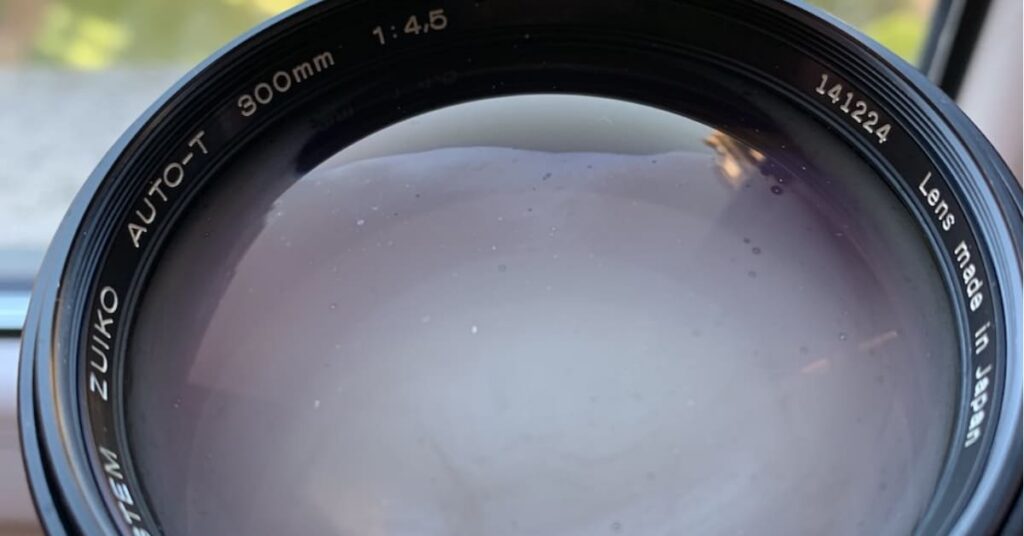
One of the most common mistakes optical device users make is immediately turning on or opening their equipment after moving from cold outdoors to a warm indoor space. A temperature change — for example, from -10°C outside to +20°C indoors — causes condensation to form on and inside the device. This moisture can lead to corrosion on electronic boards, short circuits in connectors, or fogging of optical components, which degrades image quality.
Why is condensation so dangerous? Cold air holds less moisture, but once the device enters a warm environment, it attracts humidity like a magnet. Water droplets can penetrate seals, especially if the device is not fully waterproof. In thermal imagers used in extreme conditions, condensation can damage infrared sensors and cause irreversible defects.
When returning indoors, follow these steps:
① Power off the device. Turn it off immediately to prevent electrical current from causing short circuits in a humid environment.
② Do not open the battery compartment. Opening it while the device is still cold allows moisture to enter and oxidize contacts. Wait until the device has warmed up.
③ Place the device in its original case or a carrying pouch. This helps buffer temperature changes and allows moisture to evaporate gradually.
④ Allow the device to warm up slowly for 1–2 hours until it reaches room temperature. Keep it in a dry place away from moisture sources. After that, you can safely replace batteries, transfer recorded footage, and perform other tasks.
What NOT to do:
① Do not power on the device immediately — this can cause internal failures, especially in displays or sensors.
② Do not open the battery compartment of a cold device in a warm room — cold batteries can trigger internal condensation.
③ Do not place the device near heaters or radiators — rapid heating can cause cracks in the housing or optics due to thermal stress.
3. Care and Storage During the Cold Season
In cold climates, maintenance becomes a routine rather than an occasional task. Hunters know that thermal imagers and night vision devices are sensitive not only to cold but also to moisture, dust, and mechanical damage. Proper storage ensures your equipment lasts for years without malfunction or loss of value.
Key storage recommendations:
- Store the device in a dry environment. After use, wipe off moisture and dirt from the housing and lens. Once warmed up, place it where you store your other equipment.
- Use moisture absorbers (silica gel) in the carrying case. This is a low-cost but effective way to keep internal humidity below 40%.
- Regularly check battery contacts for oxidation. Oxidation occurs faster in cold conditions, so once per season, clean contacts with a dry brush or a specialized cleaner.
- If you notice fogging inside optical components, stop using the device immediately and contact a service center. Ignoring this can lead to corrosion and costly repairs.
- Protect against mechanical damage. Always use lens covers. In winter, frozen ground increases the risk of cracks if the device is dropped.
- Long-term storage: If you don’t plan to use the device during winter, remove the batteries and store it at +10–20°C. This can extend battery lifespan to 5–7 years.
4. How to Clean the Lens (Germanium Lens)
The lens is the “eyes” of your thermal or night vision device, and the germanium lens used for infrared transmission is particularly sensitive. It is softer than glass, and its anti-reflective coating is fragile. Improper cleaning can cause micro-scratches that permanently reduce contrast and image quality.
Recommended cleaning procedure:
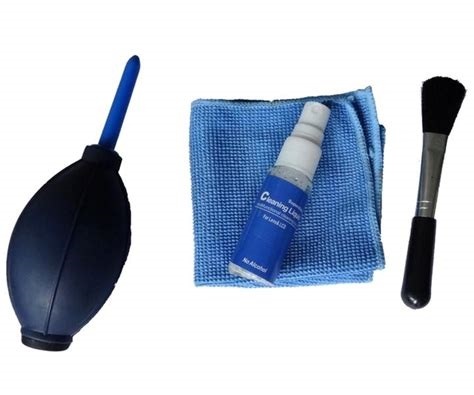
① Blow off dust first. Use an air blower — never wipe a dry lens, as dust particles can scratch the surface.
② Gently remove remaining particles with a soft brush designed for optics or a microfiber cloth.
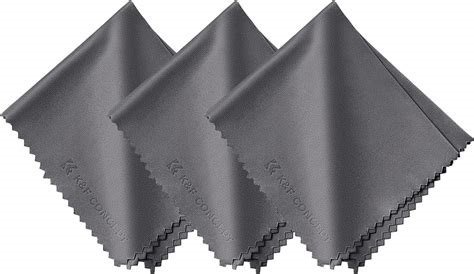
③ Use a clean, odorless microfiber cloth. Wipe gently from the center outward with light pressure.
④ For grease or smudges, use a dedicated lens-cleaning solution. Never apply liquid directly to the lens — moisten the cloth instead.
Avoid rough materials such as paper towels or general-purpose cloths — they can cause micro-damage or spread contaminants further.
Proper winter care of night vision and thermal imaging devices is the key to reliable performance and long service life. By following these recommendations, you’ll avoid common mistakes and enjoy a clear image even in extreme conditions.
If you’re looking for new equipment, visit Opticspot.eu, where you’ll find Nocpix, PARD, PULSAR and GUIDE models with warranty and expert advice. If you have questions, leave a comment or get in touch with us.
Clear optics, no fog — and no grease on your glass!